Windows Server 2025 brings significant improvements in terms of security, performance, and IT resource management. To allow users or devices to access a server remotely, Microsoft offers Remote Desktop Services Client Access License (RDS CAL). In this article, we will explore what Windows Server 2025 RDS CAL for 50 devices means, how it works, and who it is intended for.
What Is Windows Server 2025 RDS CAL?
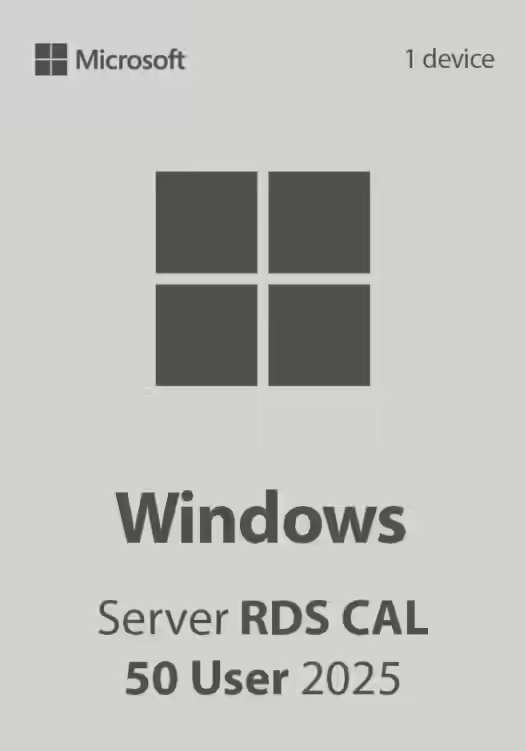
Windows Server 2025 RDS CAL (Client Access License) for 50 devices is a license that allows a number of 50 devices to remotely access a Windows server via Remote Desktop Services (RDS). This license is essential for companies and organizations that use Windows Server infrastructure to enable users to work remotely.Types of RDS CAL
Microsoft offers two main types of RDS CAL licenses:- Per user (User CAL) – Provides access to a specific number of users, regardless of the device they connect from.
- Per device (Device CAL) – The license is tied to a specific number of devices, regardless of the user connecting.
Features and Benefits
- Secure remote access – Allows devices to connect to a Windows server in a controlled and secure environment.
- Efficient IT resource management – Administrators can centralize applications and data on the server, reducing the need for powerful hardware on user devices.
- Scalability – Companies can add more devices based on business needs, as long as they are properly licensed.
- Compliance with Microsoft policy – Without a valid RDS CAL license, connections to the server via Remote Desktop are not compliant with Microsoft’s terms of use.
- Optimized costs – Choosing device licenses can be more cost-effective for organizations where multiple users share a fixed number of workstations.
Who Is It For?
Windows Server 2025 RDS CAL for 50 devices is ideal for:- Companies with shared workstations, where multiple users use the same device to connect to the server.
- Organizations that provide secure remote access to servers for employees or partners.
- Medical, educational, and financial institutions that require centralized access to applications and databases.
- Firms that use servers for virtualization and want to optimize their IT infrastructure.
How to Activate the License?
To activate Windows Server 2025 RDS CAL (50 devices), IT administrators must:- Install and configure Windows Server 2025.
- Activate Remote Desktop Services (RDS) on the server.
- Configure and install RDS CAL Licenses through the Remote Desktop Licensing Manager console.
- Assign licenses to each device that will access the server.